How to Edit an Underwater Portrait Photo
Categories: E-Course, Photography Editing
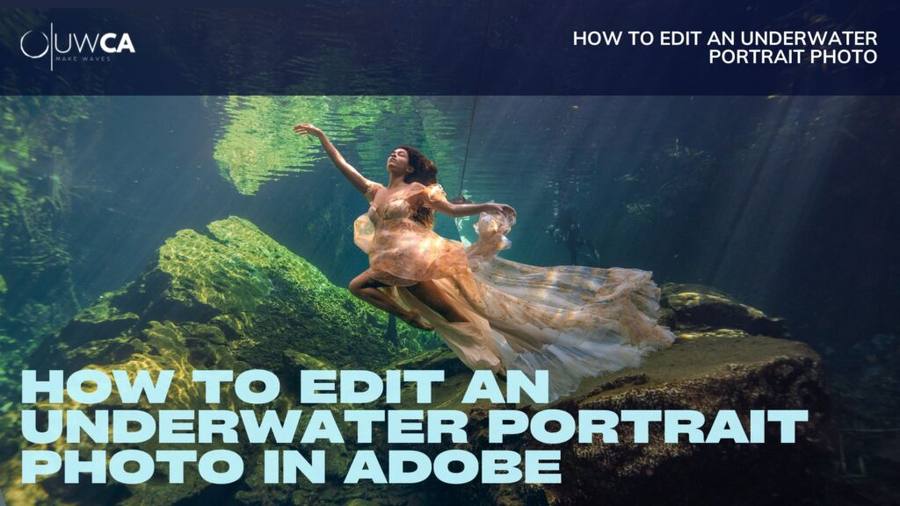
About Course
Transform Raw Underwater Images Into Polished, Professional Portraits
A comprehensive course for underwater portrait photographers who want to refine their images through a repeatable, professional workflow using Adobe Lightroom and Photoshop. Over 4 hours of guided video instruction with 5 complete start-to-finish edits.
Course Content
Lightroom Tools
- ▸ Introduction
- ▸ Presets and Color
- ▸ Tone Curve Panel
- ▸ Color Mixer Panel
- ▸ Color Grading Panel
- ▸ Detail Panel
- ▸ Masking Panel
- ▸ Export Settings
PhotoShop Tools
- ▸ Object Removal
- ▸ Liquify Tool
- ▸ Masking
- ▸ Selective Color Tool
- ▸ Eyes Correction
- ▸ Bonus: UWCA Actions
Start to Finish Edits
- ▸ Dark Water Shoot Edit
- ▸ Black Backdrop Edit
- ▸ Split-Shot Composite Edit
$497.00
Have a promo code? Enter it in the field above and tap Apply before checkout.
📊Intermediate
🎓Certificate of completion
A Course By
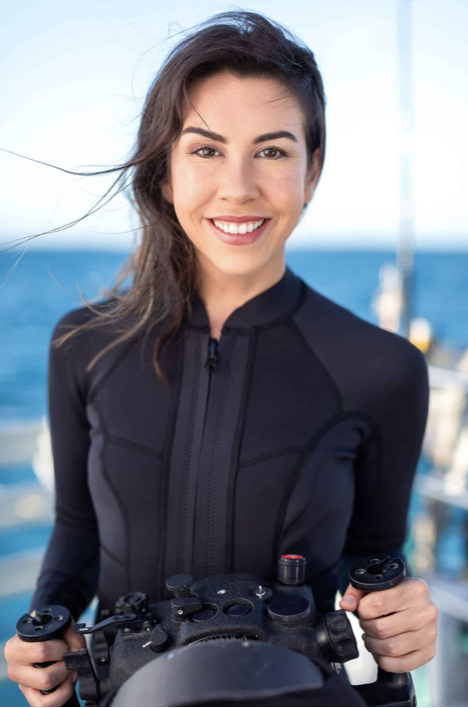
Kimber Greenwood
Professional Underwater Portrait Photographer
Tags
All Courses1:1 MentoringContact
Want feedback on your own work? Our mentoring for creatives takes this course further 1:1.
$497.00
Intermediate